DavNotes
Most of us keep our calendar on a server, so it is the same on phone, tablet and computer. DavNotes does the same for your notes.

Notes that follow you
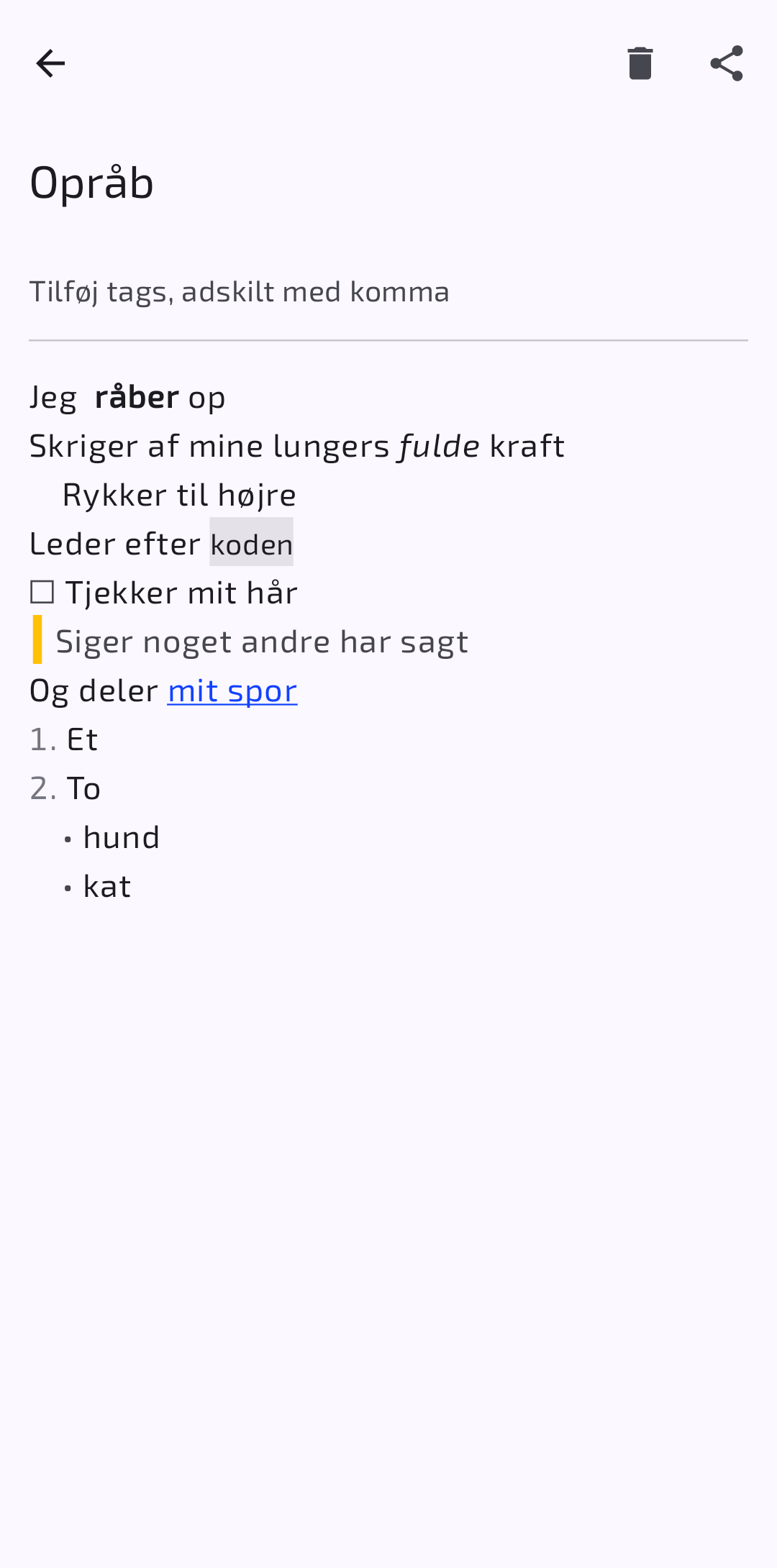
DavNotes is an Android app that syncs your notes with a server, so they are also available on your other devices. You can get it for free on Google Play and F-Droid.
If you already keep your calendar online, there is a good chance you can store your notes there too. Calendar servers that speak CalDAV can also hold notes (VJOURNAL). Enter the server name, username and password in the app, and create a notes collection.
If you don't have such a server, then … ta-da … I offer space on a free one: caldav.rpix.dk. There you can also see which other programs can use it for calendars, tasks and contacts.
WebNotes
In the browser too
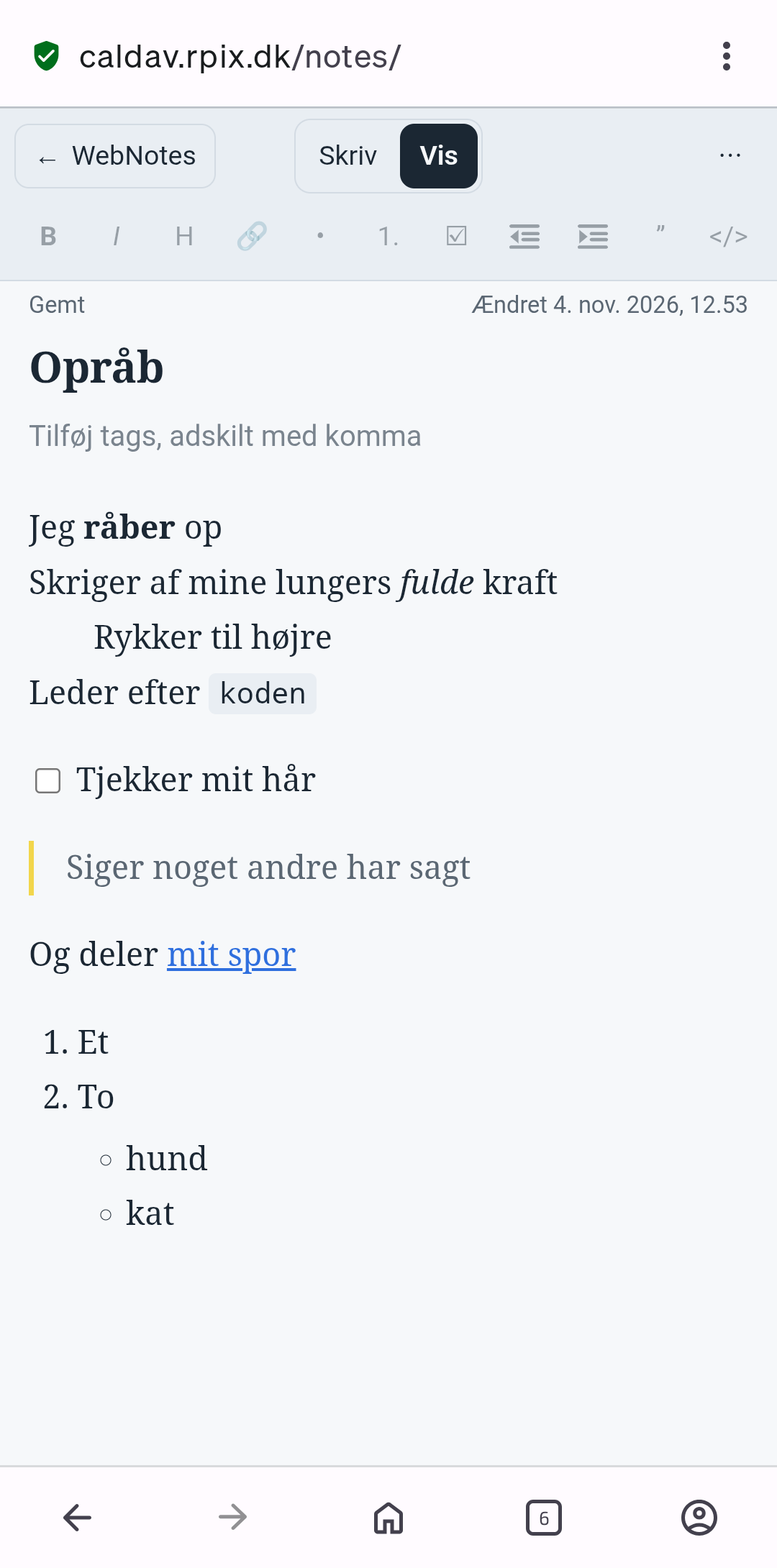
With an account on caldav.rpix.dk you can also read and write your notes in a web browser. Go to caldav.rpix.dk/notes, and log in with the username and password you use for the server.
- Saves automatically as you type.
- Switch between Write and View, and format with Markdown: headings, bold, italics, lists, tasks, tables and links.
- Import and export notes as
.mdor.txt. - Search, add tags, and keep several collections.
- Available in Danish, English, German, Spanish and French.
No note is overwritten blindly
If a note is changed in two places at the same time, the server keeps one version, and the other is saved as a new note with "(conflict)" in the title. So you never lose anything. If you lose your connection, the text stays put and is saved as soon as you are back online.
Notes are stored as plain text on the server, so other programs, such as jtx Board, can read and write the same notes.
Behind the scenes
The source code is on GitHub: the app at github.com/lianergoist/noter and the web client at github.com/lianergoist/webnotes.